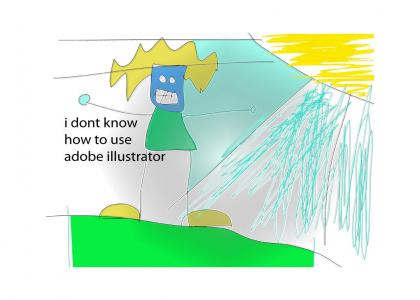
glad i spent 599 US dollars on this
Created on: July 6th, 2008
Sponsorships:
| user | amount | user | amount |
|---|---|---|---|
| No one has sponsored this site ( ._.) | |||
| Sponsor this site! | Total: $0.00 | Active: $0.00 | |
Vote metrics:
| rating | total votes | favorites | comments |
|---|---|---|---|
| (3.55) | 243 | 13 | 96 |
View metrics:
| today | yesterday | this week | this month | all time |
|---|---|---|---|---|
| 1 | 1 | 1 | 0 | 14,057 |
Inbound links:
| views | url |
|---|---|
| 37 | https://www.bing.com |
| 19 | https://www.keaton-world.com/ |
| 10 | http://baidu.com/ |
| 4 | https://keaton-world.com/ |
| 3 | https://www.google.com/ |
If you actually know how to use Adobe's products, they're worth every penny. They have low-end versions for cheap that don't have all the features, but all the features most non-pros could ever hope to need. Ad if you're a pro, you can expect your company to buy it for you.
Now Windows.... that's a different story...
Illustrator is a great damn program. It's a bit counter intertuative because it's older than photoshop, but once you get used to thinking in vectors it's really not that bad. A good ploce to start is make a drawing in photoshop/scan a pen or pencil drawing, open the image in Illustrator and choose Object->Live Trace-> Make. This will create a vector drawing from your raster image giving you a better understanding of the philosophy behind Illustrator.
Bold
Italic
Underline
Code
User Link
Site Link